When a scan offers a Buy button, it gives you a visible handoff from research to a trade request. Soul Sniper owns execution and reports its status.
Scanner's role here is the handoff from audit context to a separate execution flow. The outcome of this page is knowing when the handoff is available and where to verify its status.
Goal and prerequisite
Start only when the current scan offers a Buy control. Check the token, account access, active wallet, amount and authorization in the execution flow.
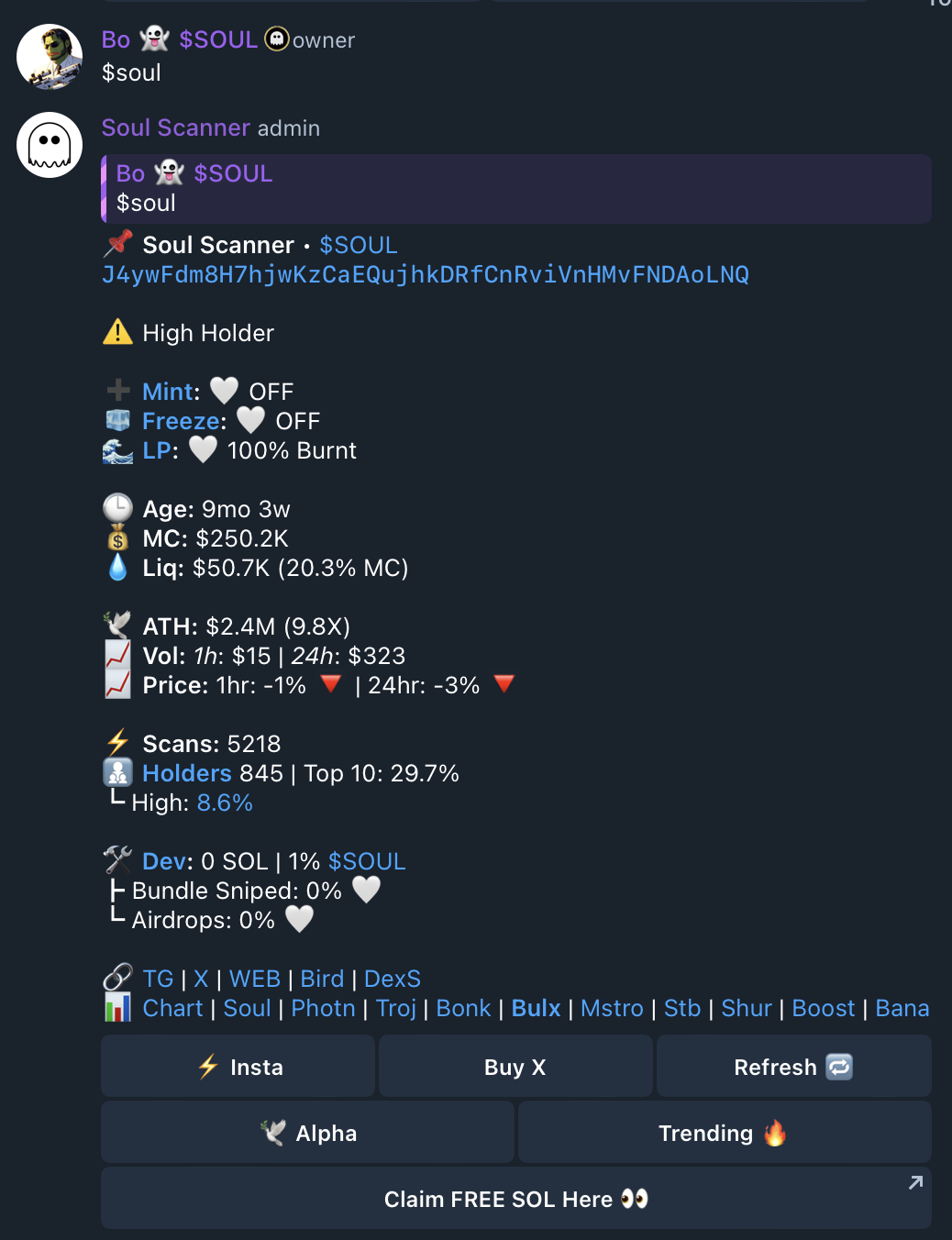
Submit a request carefully
Confirm the token and requested amount before explicitly choosing Buy. A visible control or submitted request does not establish execution, timing, price or completion.
After choosing Buy, read the status returned by the execution flow. Do not use the original Scanner card as confirmation that the request completed.
Expected feedback and limits
Review the resulting status and distinguish configuration, submission, pending or failed state, and completed transaction. Group replies and pinned receipts depend on chat permissions and are not sufficient proof on their own.
Recovery and next step
If a control is absent, treat the result as unavailable or ineligible. Use Soul Sniper to review wallet and execution status, or return to Scanner for audit context.